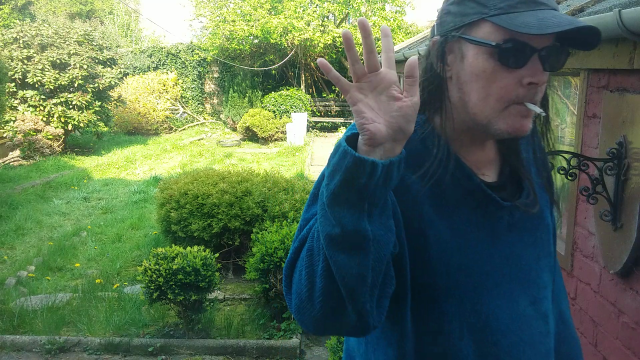
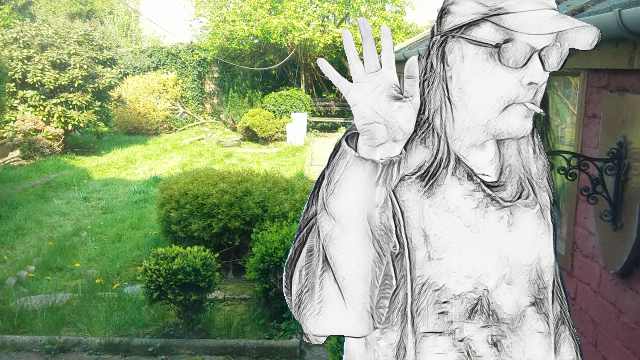
I’m playing with the following for video (waiting for green screen to arrive)
In the meantime…
Here’s a base image
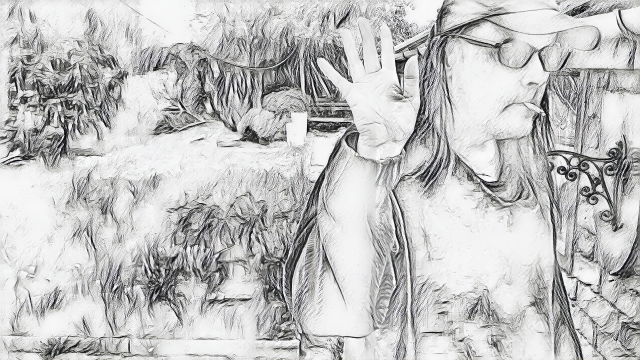
Run it through the Sketch filter and you get this…
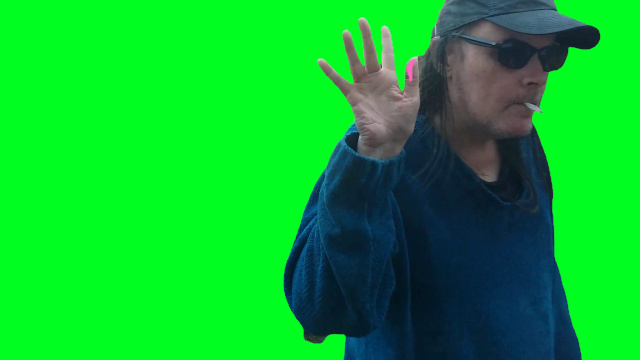
Got to https://www.remove.bg/ (nothing bigger than 360p) and you get this
It messed my thumb up so I just painted over it in pink (didn’t need the image anyway, it’s just to use as a mask)
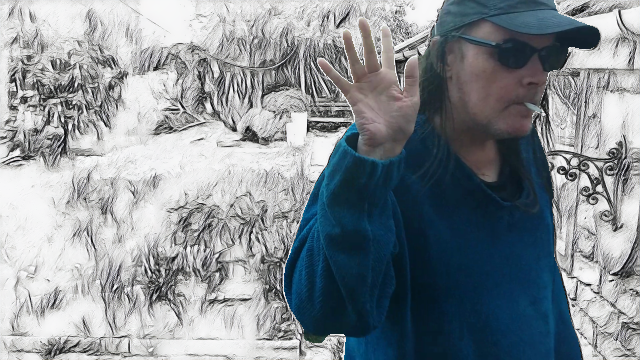
Stick these images in layers (I used paint.net ) then used the version with the background removed to mask the originals
End results are a lot better IMHO
2 Likes
In the next version there will be an automatically background removal feature. So stay tuned.
1 Like
In the “next version” background removal is missing
Also looking forward to this feature
Download new version 1.2.1 for removing the background.
Can’t work out how to specify muliple inputs and outputs for cli version
The CLI help has no clues and there is, as usual, no example
I’ve resorted to whiting a batch file to process the 196 images (frames from a video clip (I’m using as a test
With Deep Art Effects v1.1.0 it is now possible to render Images without the GUI!
Java 1.8 or newer is required to run this version of the client.
make sure it is installed correctly and added to the PATH
You can find the Deep Art Effects console client at the download page
Just download the zip file and start the executable
DeepArtEffectsCli.exe
For a List of possible commands use:
DeepArtEffectsCli.exe -help
To check your client version use:
DeepArtEffectsCli.exe -version
If you did …
See multiple images section
Ahh - only screwed up for removebackground - artfilter works OK, The product testing continues to fail dismally (this is not the only filname related issue I discovered today)…
Should be a bit quicker a it don’t have to decompress thee exe, load Java, start server and all that crap …
Unix-style paths?
No joy for removebackground …
./dae removebackground -input c:/dae/chunk/running-frames/ -output c:/dae/chunk/zzz/
pdae is renamed deeparteffectsclu]
Also tried
c:\dae\chunk\dae removebackground -input c:\dae\chunk\running-frames -output c:\dae\chunk\zzz
[runnung-frames has 196 images in it, zzz is empty]
Stuff like …
Works fine so I ended up writing a for(i=0; i<197; i++) { … } hack