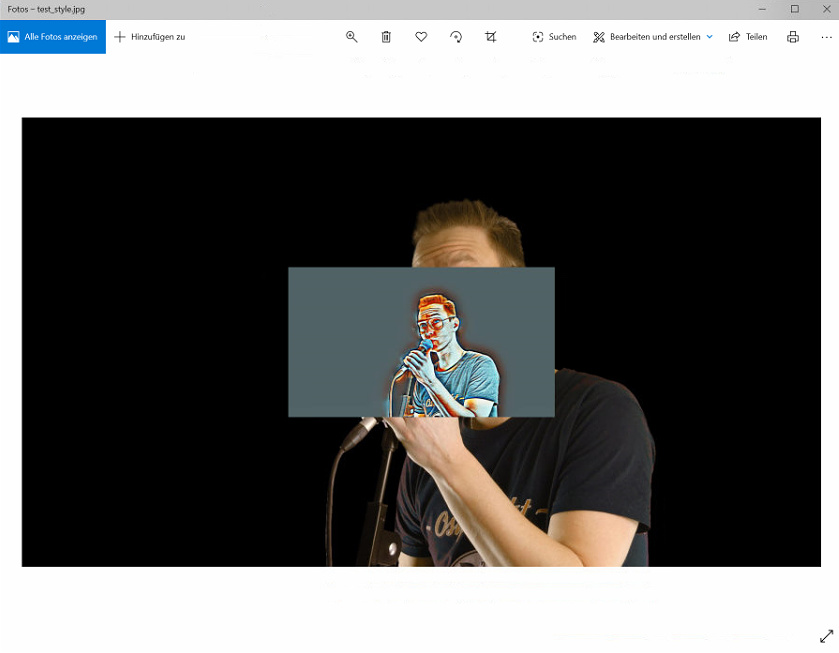
i tried the deeparteffectcli.exe with the command:
DeepArtEffectsCli.exe artfilter -chunksize 2048 -input test.png -output test_style.jpg -intensity 100 -stylename “aurora”
The output res is set by the desktop version’s selection, Change the desktop resolution to HD and quit then run the CLI again and you’ll get 1280x720
Personally I leave mine set to Original, size the input to the desired output and process it - this way you can do non-standard resolutions like 1280x960 (4:3 aspect ratio)